Archipela-GO! Web Client
Archipela-GO! is a game made for the Archipelago multiworld randomizer system. In AP-GO!, the player unlocks checks by traveling to real-world locations. This client lets you play in any supported web browser.
Host an Archipelago Game
- On a PC, install the Archipelago software.
- Download
apgo.apworldandArchipela-Go.yamlfrom https://github.com/aki665/react-native-archipelago/releases - Install
apgo.apworldusing the “Install APWorld” option in the Archipelago Launcher. - Customize
Archipela-Go.yamlas you see fit, or use the “Options Creator” in the Archipelago Launcher. - Generate and host a game.
Join a Game
- On a mobile device, visit the hosted app.
- Optionally add the web app to the home screen.
- Enter the connection information for the hosted game. In the server log, it will show a message such as
You can connect to this room by using '/connect archipelago.gg:99999' in the client.In this example,archipelago.ggis the address and9999is the port. - Enter the player name from your
Archipela-Go.yaml. - If the hosted Archipelago game has a password, enter it, otherwise leave the password blank.
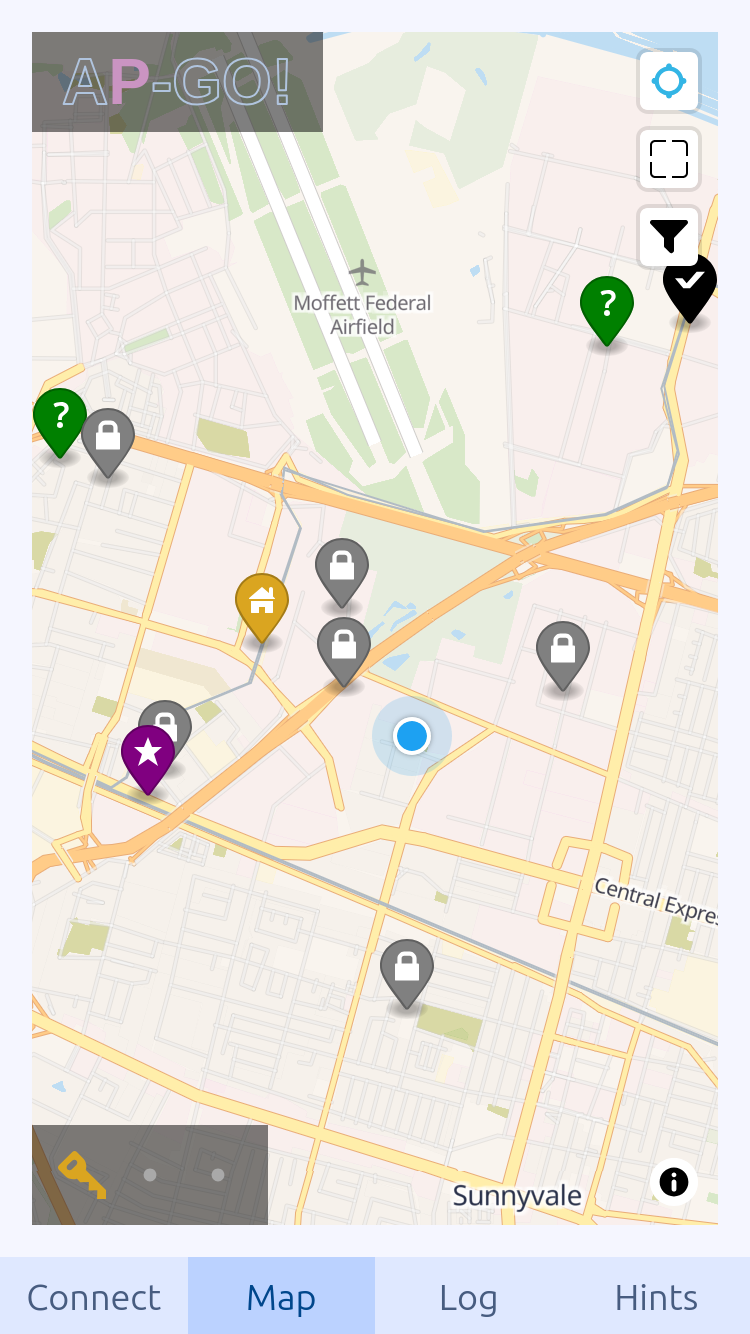
- Press “Set Home Location…” and center the map on the location where you want to play the game, then press “Save.”
- Press “Connect.” You may need to wait a few minutes for the game to generate locations. If you get an error, the server may be busy, or you may need to decrease the maximum radius in the YAML.
Playing a Game
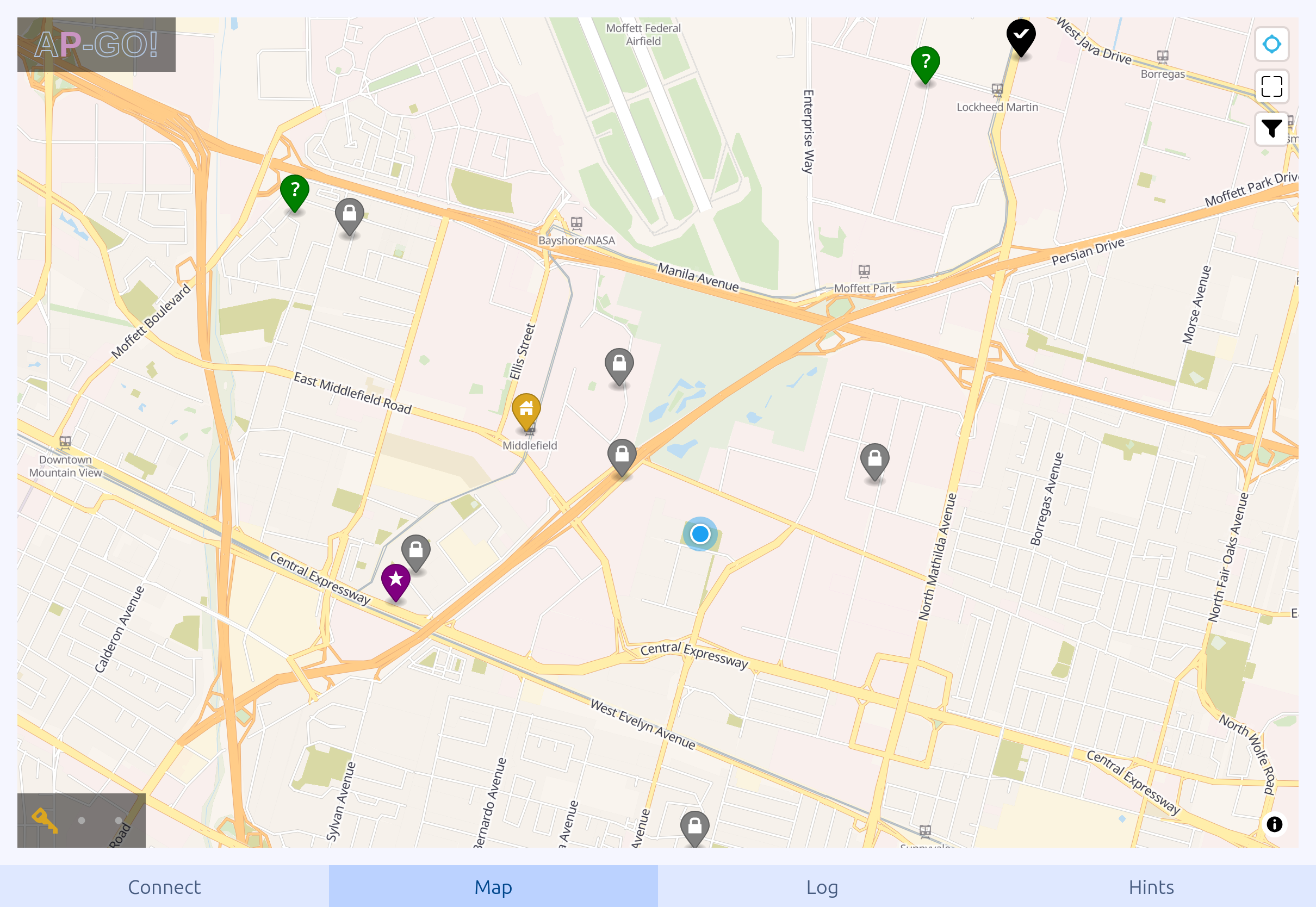
Once connected, your goal is to either collect “macguffin” letters, or to check all locations, depending on what you set in the YAML. The letters are scattered throughout your game and any other games connected to the same Archipelago game. To collect them or to help other players collect them, you must go to the locations on your map. Map pins with a lock icon won’t become available until you collect enough keys.
System Requirements
Any of:
- Google Chrome version 114 or later
- Microsoft Edge version 114 or later
- Firefox version 125 or later
- iOS version 17 or later
- Safari version 17 or later
Web App Limitations
Most mobile browsers kill the connection to the AP server, and stop GPS tracking, as soon as the browser is hidden or the screen is turned off. A check will only count if the screen is turned on and the app is open, connected, and tracking.
Download
Click download now to get access to the following files: